

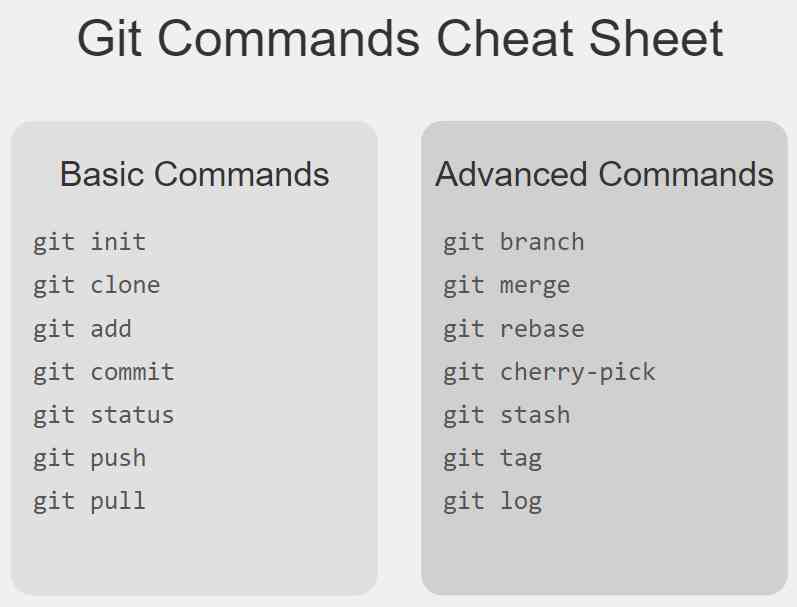
Are you struggling to remember all those Git commands? You're not alone. Whether you're a beginner or an experienced developer, having a handy Git commands cheat sheet can save you time and frustration. In this comprehensive guide, we'll walk through the most essential Git commands, explaining each one in simple terms.
Basic Git Commands Every Developer Should Know
git init
Initializes a new Git repository.
git clone <repository_url>
Creates a copy of a remote repository on your local machine.
git status
Displays the state of your working directory and staging area.
git add <file>
Adds a file to the staging area.
git add .
Adds all modified and new files to the staging area.
git commit -m "commit message"
Records the changes in the repository with a descriptive message.
Advanced Git Commands for Efficient Workflow
git branch
Lists all local branches in the current repository.
git branch <branch_name>
Creates a new branch.
git checkout <branch_name>
Switches to the specified branch.
git merge <branch_name>
Combines the specified branch's history into the current branch.
git remote -v
Shows the remote repositories connected to your local repository.
git pull origin <branch_name>
Fetches changes from a remote repository and merges them into the current branch.
git push origin <branch_name>
Uploads local branch commits to the remote repository.
Git Log and History Commands
git log
Displays the commit history for the current branch.
git log --oneline
Shows a compact version of the commit history.
Git Undo and Reset Commands
git revert <commit>
Creates a new commit that undoes the changes made in a previous commit.
git reset <commit>
Moves the current branch tip backward to a specified commit.
If you're still reading, make sure you like this post 👍🏼
If you're still reading, make sure you like this post 👍🏼
Git Tagging Commands
git tag
Lists all tags in the repository.
git tag -a <tag_name> -m "tag message"
Creates an annotated tag with a message.
Git Configuration Commands
git config --global user.name "Your Name"
Sets the author name to be used for all commits.
git config --global user.email "[email protected]"
Sets the author email to be used for all commits.
By mastering these Git commands, you'll be able to manage your code more efficiently, collaborate better with your team, and recover from mistakes more easily. Keep this cheat sheet handy, and soon you'll be navigating Git like a pro.
Remember, practice makes perfect. The more you use these commands, the more natural they'll become. Happy coding, and may your repositories always be clean and conflict-free!
Did I miss any git command? Add it in the comment section.
Follow for more content like this.






Be the first to show love! 🚀
Start something amazing - your support inspires creators!